Odoo WMS: Intelligent Warehouse and Logistics Management System
Odoo for logistics combines warehouse, transport, and supply into one system — without separate tables and manual reconciliation.

Odoo capabilities for logistics companies:
CRM for customer interactions
Sales Management
Company Website
WMS: Автоматизація складських операцій, штрих-кодування та адресне зберігання
Real-time inventory management and integration with carriers
Management of other processes
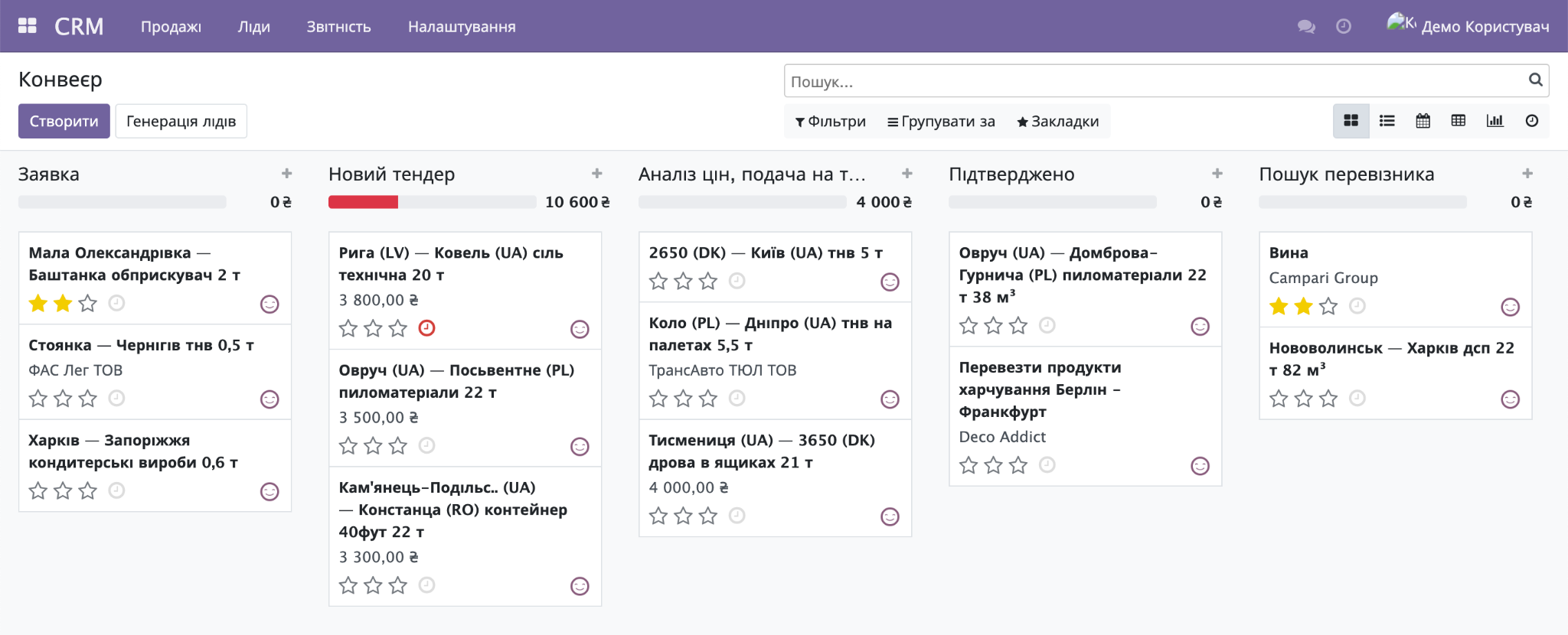
CRM system for logistics
The CRM system allows you to store all customer contacts in one system, track deal statuses, organize manager workflows, and monitor their attention levels and discipline.
The head of the sales department can set up sales teams/channels and a sales funnel for each team. The system enables working with deals, their priorities, value, and prospects, calculating projected sales volumes.
A deal for a logistics company can have unique parameters: route, departure point, destination, intermediate stops, distance, fuel consumption, refueling, carrier, etc.
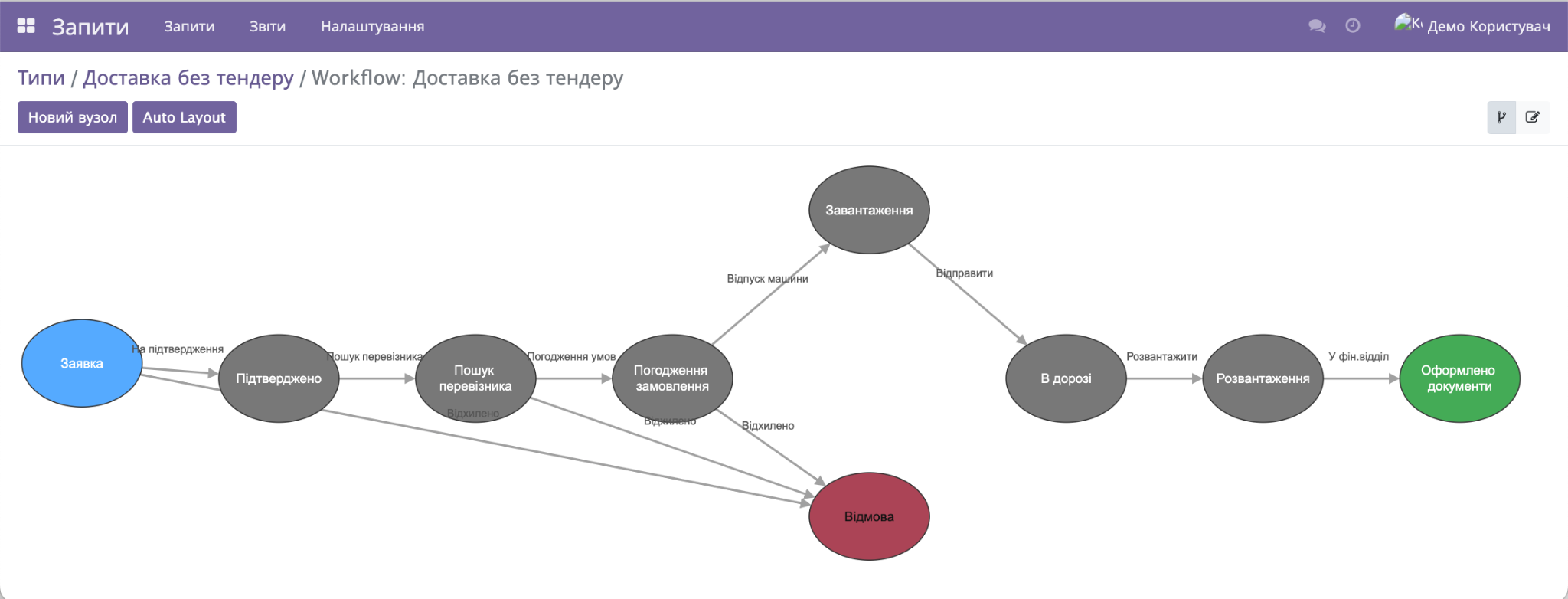
Deal processing and approval can follow a specific workflow defined in the system.
Sales Management
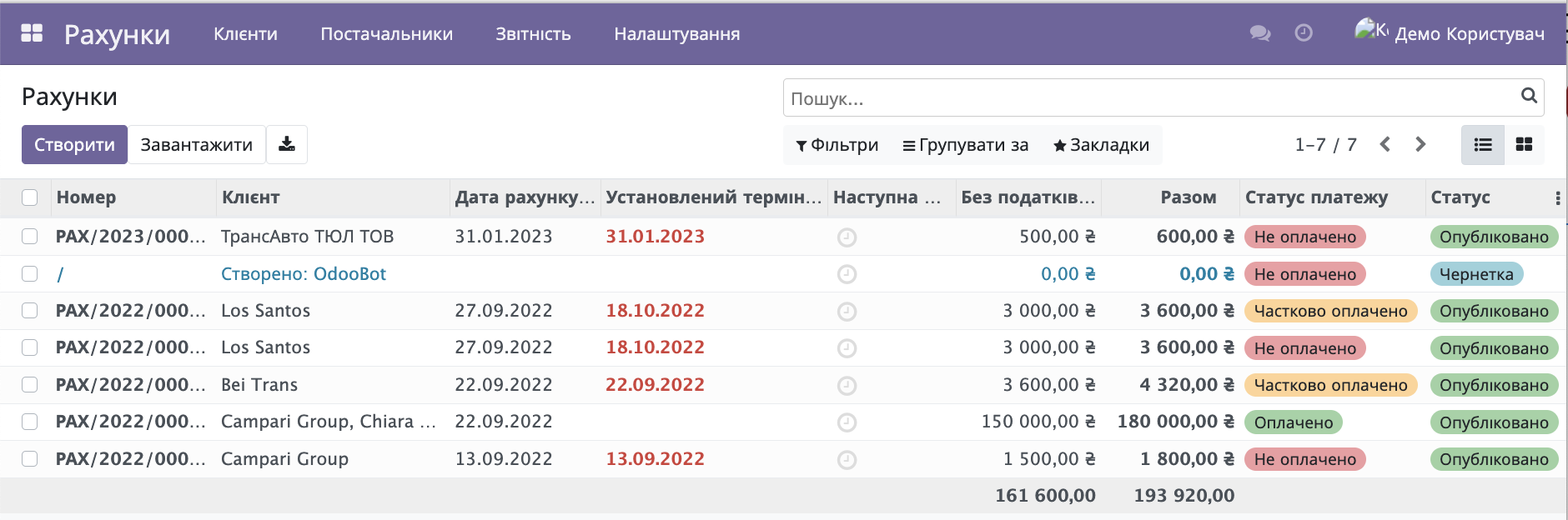
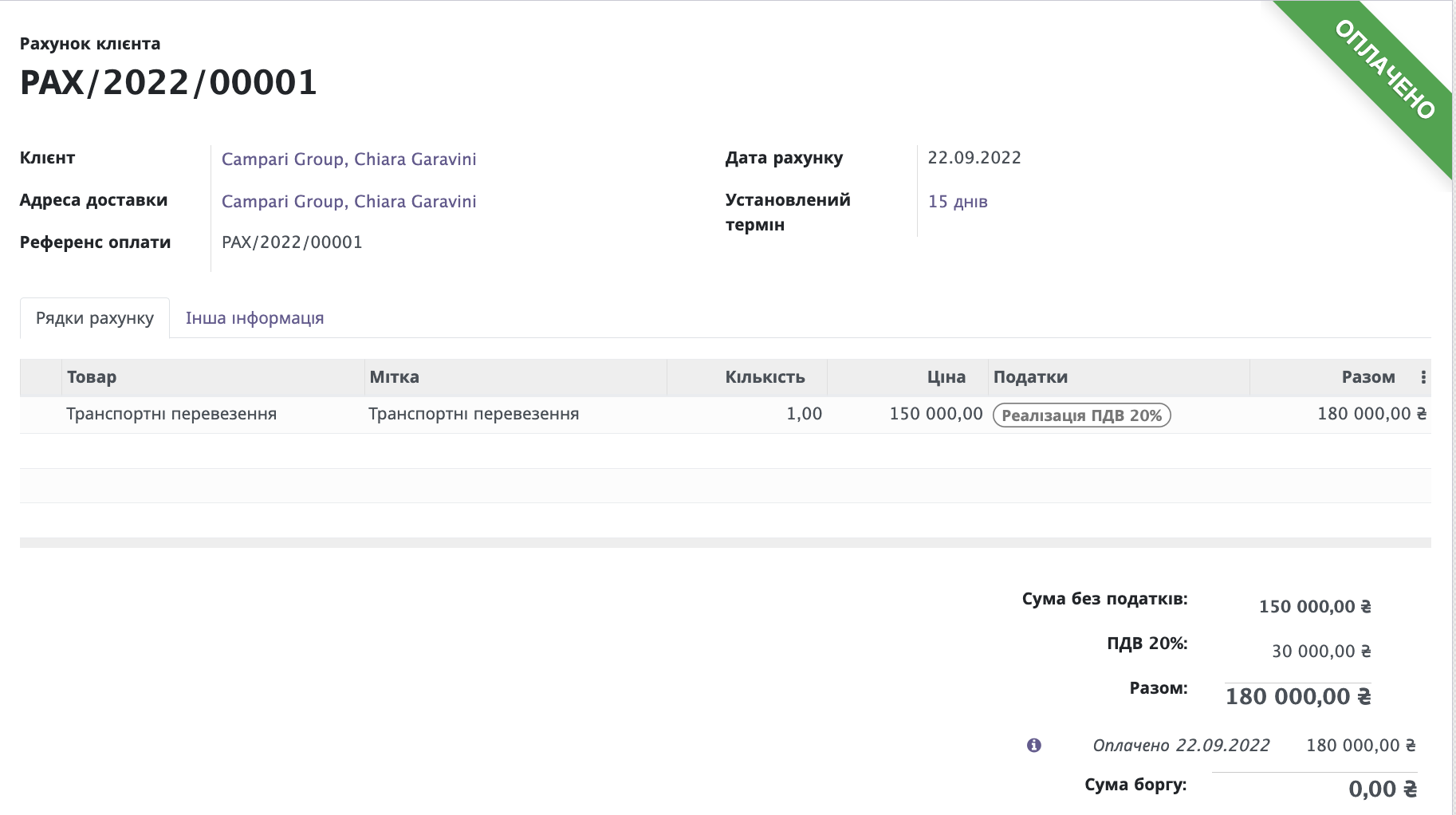
Approved commercial proposals become transportation orders, entering the sales management system where invoices are generated and prepayments are registered.
The system allows you to generate all necessary primary documents, create or register a contract.
The sales manager's dashboard provides access to all necessary documents, with the ability to monitor and track their statuses.
Payment data is automatically imported into the system from payment services such as Privat24, Monobank, and others.
Company website in Odoo ERP
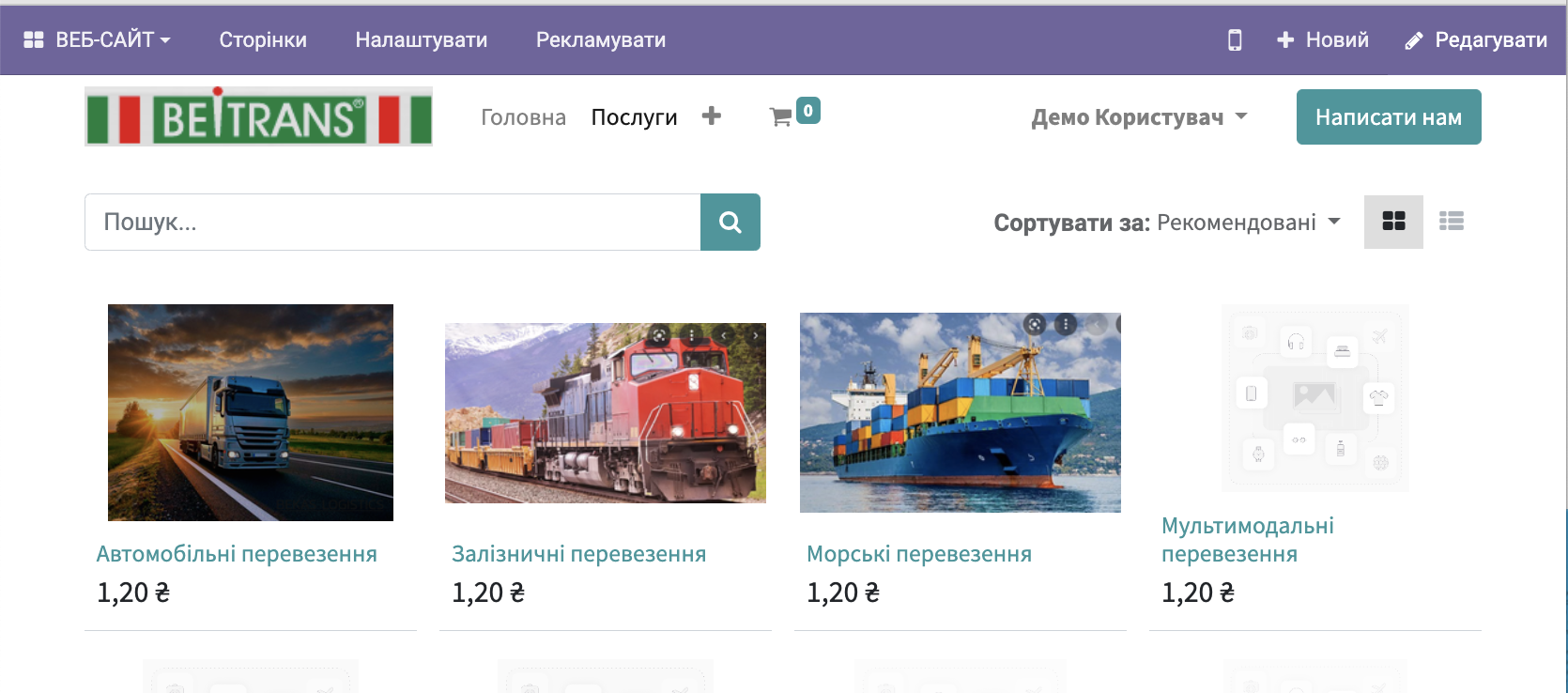
Deploying a company website using Odoo allows you to get not only a standard company landing page but also a fully functional platform for informing customers and partners, as well as a sales tool.
With the Odoo website builder, you can create a modern website using the provided layouts and page templates, menus, widgets, and more.
Warehouse (WMS) Automation of warehouse operations
The system requires mandatory barcode scanning at each stage: receiving, moving, packing. If a warehouse worker attempts to unload the wrong product or the wrong quantity — Odoo immediately issues a warning. This ensures that the customer receives exactly what they ordered and significantly reduces the number of returns.
The system supports a complex storage hierarchy — rows, shelves, racks, bins. Odoo automatically builds the optimal route for the picker to avoid unnecessary steps in the warehouse. Strategies supported includeFIFO, LIFO, and FEFO(for products with a limited shelf life).
Inventory can be conducted without stopping the entire warehouse operation — by specific product categories, shelves, or zones, while the rest of the warehouse continues to operate as usual.
Fleet Management
Fleet Management: transport accounting under control
Odoo allows for complete accounting of the company's vehicles — from passenger cars to trucks. The system records fuel consumption, plans maintenance, and reminds about upcoming deadlines for maintenance or inspections to avoid downtime due to malfunctions.
Each trip is recorded in the system — driver, route, mileage, resources used. This allows for accurate calculation of the cost of each trip and to see which vehicles are operating efficiently and which should be replaced or serviced.
Generation of transport documents and tracking of deliveries
Based on the order, Odoo automatically generates a transport invoice, calculates the delivery cost, and prints the labeling. There is no need to manually copy data into the carriers' offices — integration withNova Poshta and Ukrposhtadoes this automatically.
Address storage is based on a system of dynamic routes and placement rules that are configured for each zone or row of the warehouse. When goods arrive, Odoo automatically indicates the cell for optimal placement, and when picking an order, it lays out the shortest route for the warehouse worker.
Yes, Odoo has a special native app "Barcode" that is fully adapted for working with data collection terminals and mobile scanners. Warehouse workers perform receiving, moving, inventory, and order picking by scanning codes, which reduces paperwork and human errors to zero.
The issuance strategies are configured at the level of warehouse locations or product categories in the "Warehouse" module. For perishable products or medications, Odoo automatically applies the FEFO strategy, prompting the system to include in the shipping orders those batches that have the shortest remaining shelf life.
Managing multiple warehouses is implemented within a single database under the concept of Multi-warehouses. You can see overall inventory analytics, set up automatic rules for internal transfers between transit warehouses and the central hub without creating unnecessary accounting documents.
Odoo allows for cyclical (partial) inventory counts for specific zones, product categories, or even individual bins. You can count the stock on a specific shelf during the workday: the system will freeze movement only for the items being checked, automatically record discrepancies, and generate write-off or receipt documents.
Order Registration
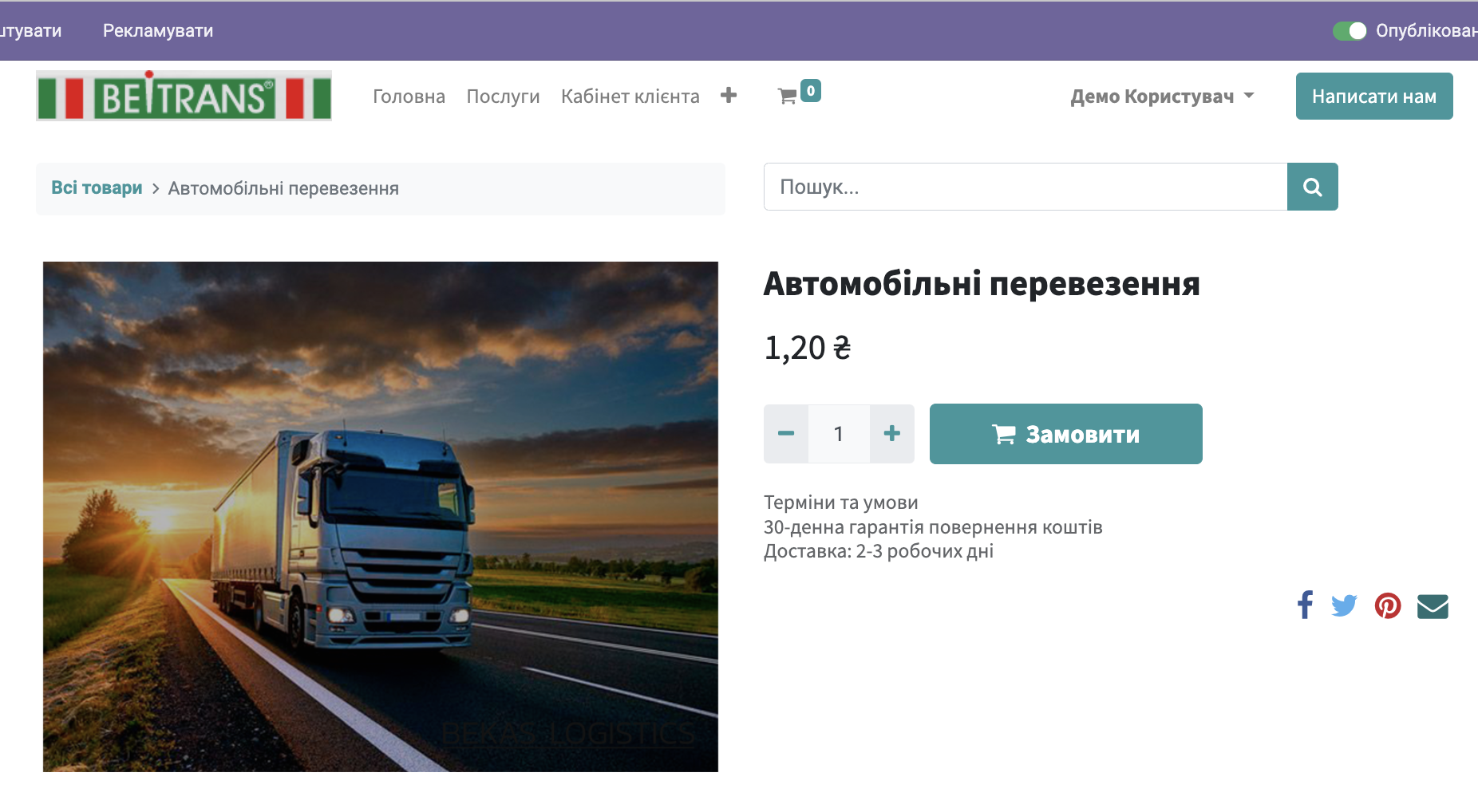
Placing information about the company's services on the website allows customers and partners to submit orders directly on the site.
This is possible both in a request format and in an online store format.
Ready to automate your business?
Leave a request and our experts will contact you for a free consultation and Odoo demo.
Request an Odoo Presentation
Fill out the form and we will contact you shortly