Project Management in Odoo
Plan tasks, monitor deadlines, and manage team workload in a single environment
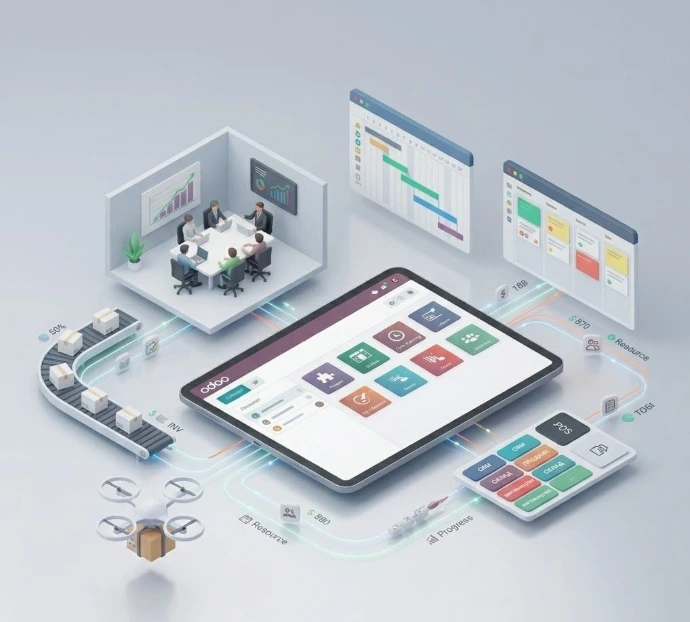
Odoo capabilities for project companies:
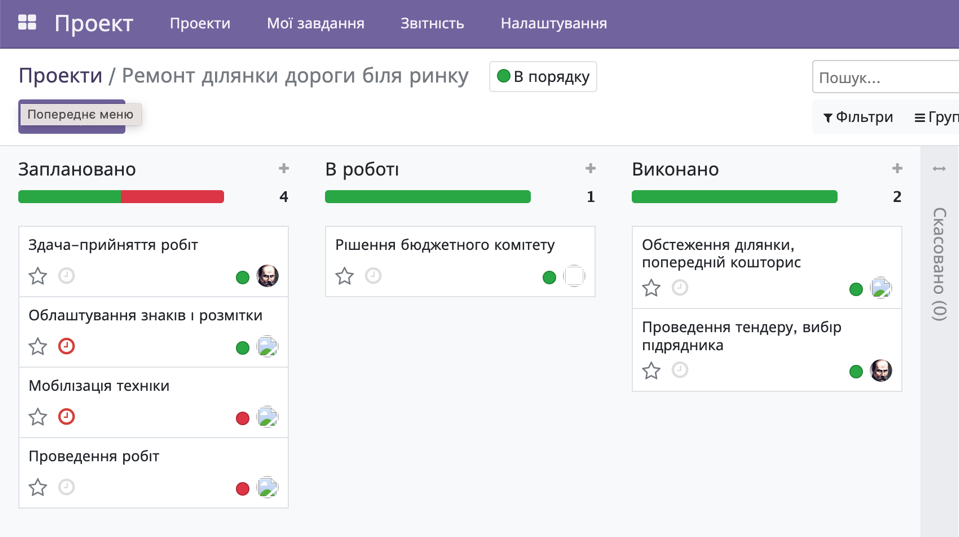
Project Management
Ability to maintain a registry of the client's current projects. Projects are grouped by specific criteria defined by the customer. Each project has individual settings for scope of work, statuses and work stages, and a project team.
Projects are filled with tasks. Project tasks are grouped in a kanban board view by task completion statuses.
Each task is assigned to an executor or a group of executors. Tasks have planned effort estimates. Each executor records the actual time spent on tasks.
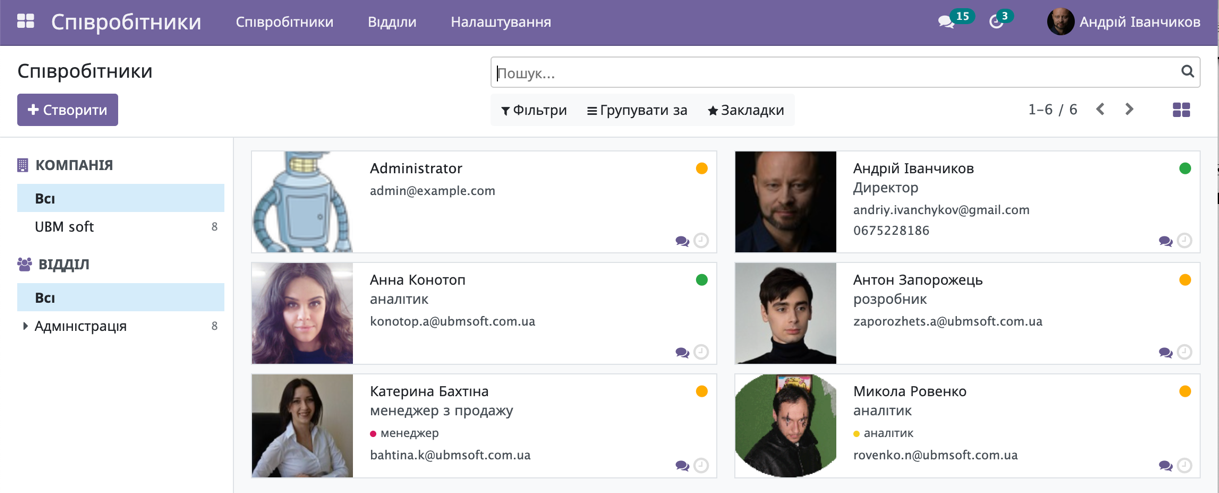
Organizational Structure
Typically, project and service companies have a hierarchical structure that provides a framework for distributing responsibilities.
The system allows you to enter company employees, specify their affiliation with specific organizations and departments, reproducing the hierarchical organizational structure of the company.
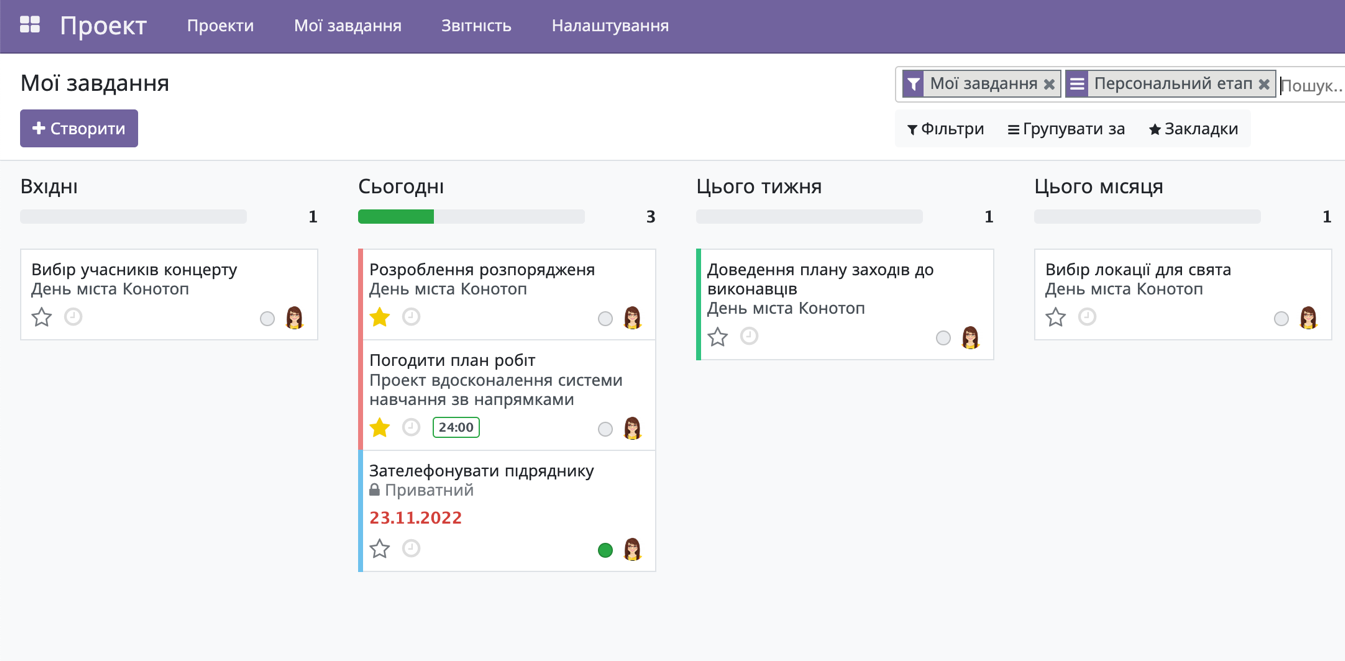
Task Management
The system provides tools for managing tasks of a specific user, their priorities and time. Each user can work separately with only their own tasks, forming task lists for the day, week, or month.
The project manager has access to projects and all tasks. This makes it possible to manage task priorities and keep the executor focused on the most important tasks.
Time tracking is maintained for each task, including planned and actual time spent.
Task Analysis
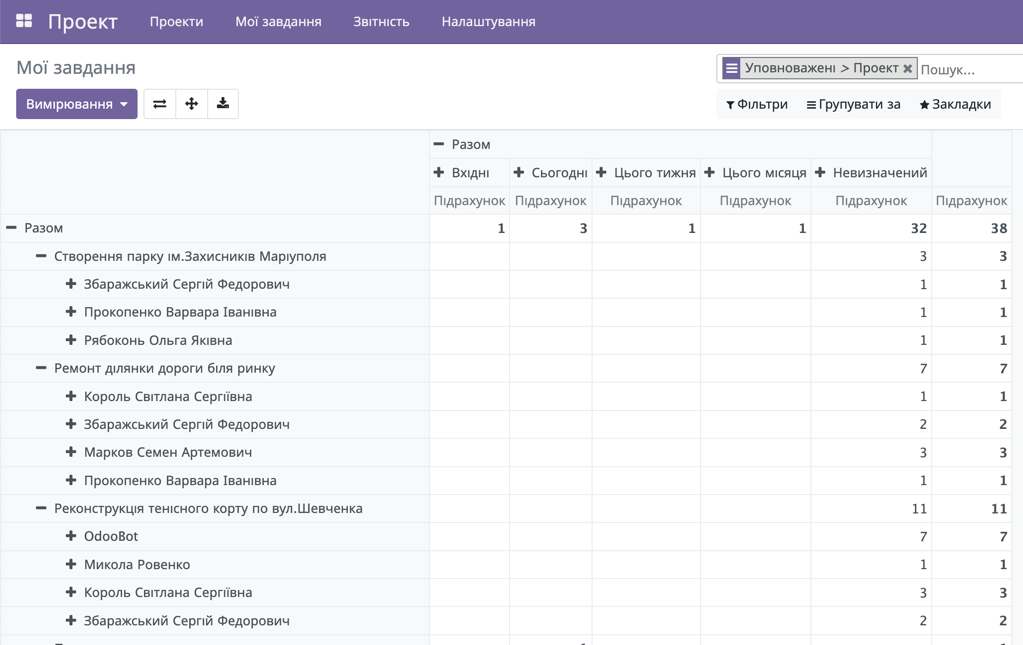
The system includes tools for analyzing tasks and projects, for example:
The system operates with task metrics such as quantity, planned effort, duration, actual effort, average, minimum, and maximum values.
Team Communications
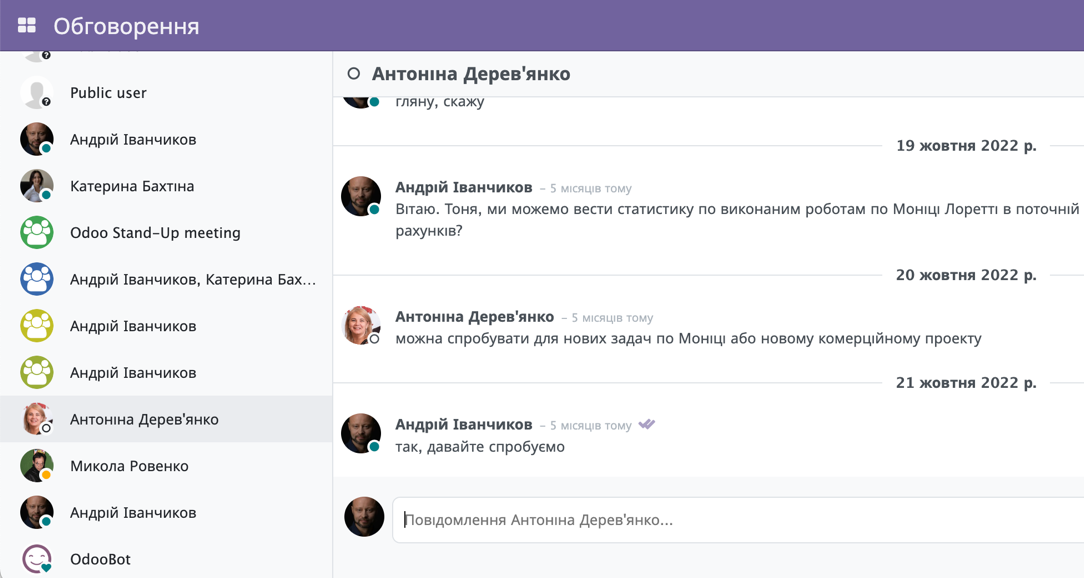
The Odoo platform enables system users to communicate with each other within projects, individual tasks, or other system objects. This allows organizing effective communication between team members, storing communication history in the system, and exchanging data, files, and videos.
In addition, the system allows planning specific actions and storing important video, audio, photo, and printed information.
Time Tracking
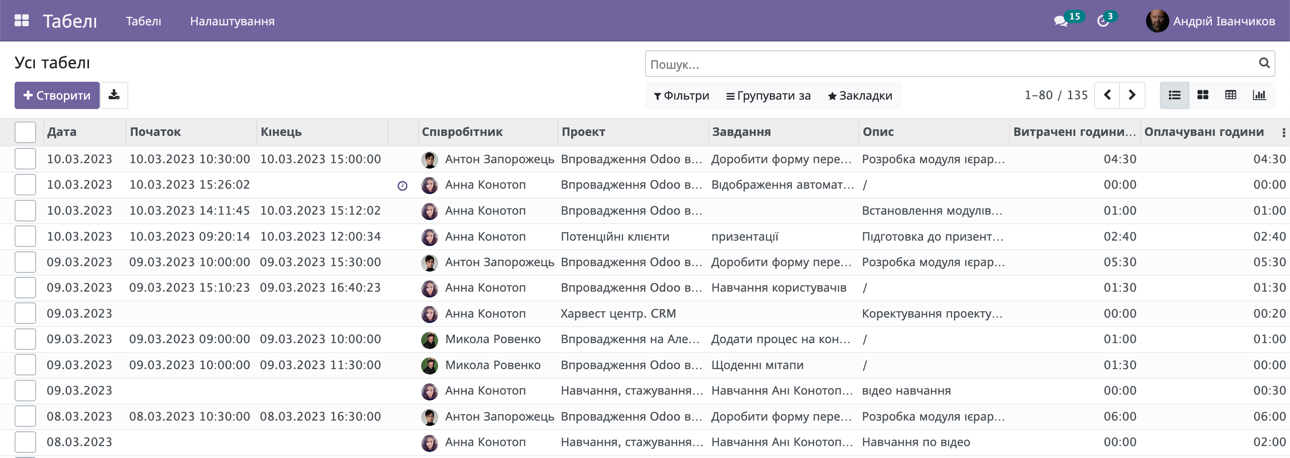
The system allows managing employee availability, analyzing their workload, and maintaining timesheets. Based on this information, salaries will be calculated.
Technical Support Service
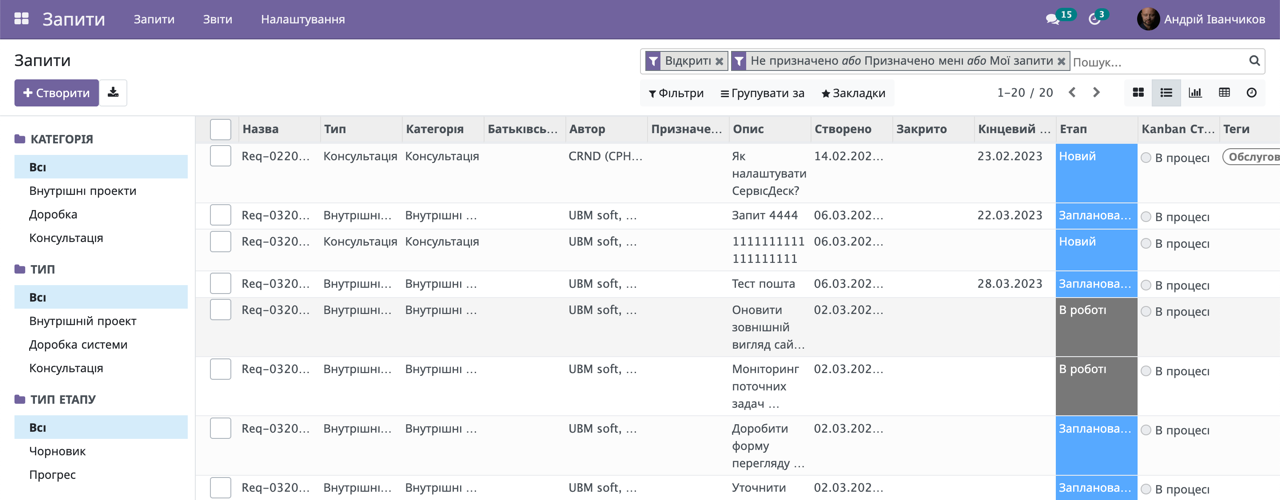
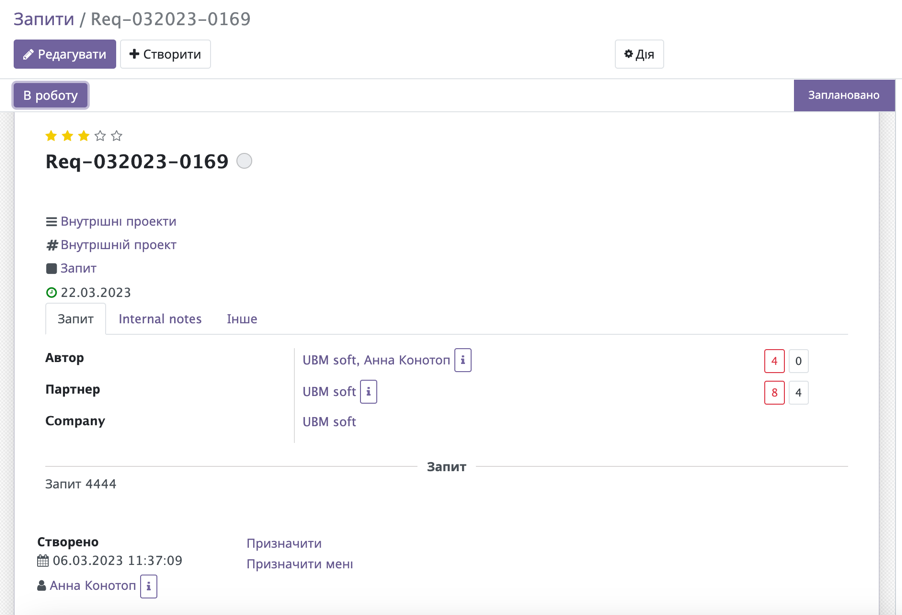
Upon project completion, organizing technical support for the client becomes a relevant task. A powerful and effective tool for increasing the productivity of a service company is a portal organized on the company website for submitting client requests — HelpDesk or ServiceDesk.
The service allows clients to:
The service allows the company to:
Using this tool will significantly improve the quality and speed of customer service.
Sales, CRM
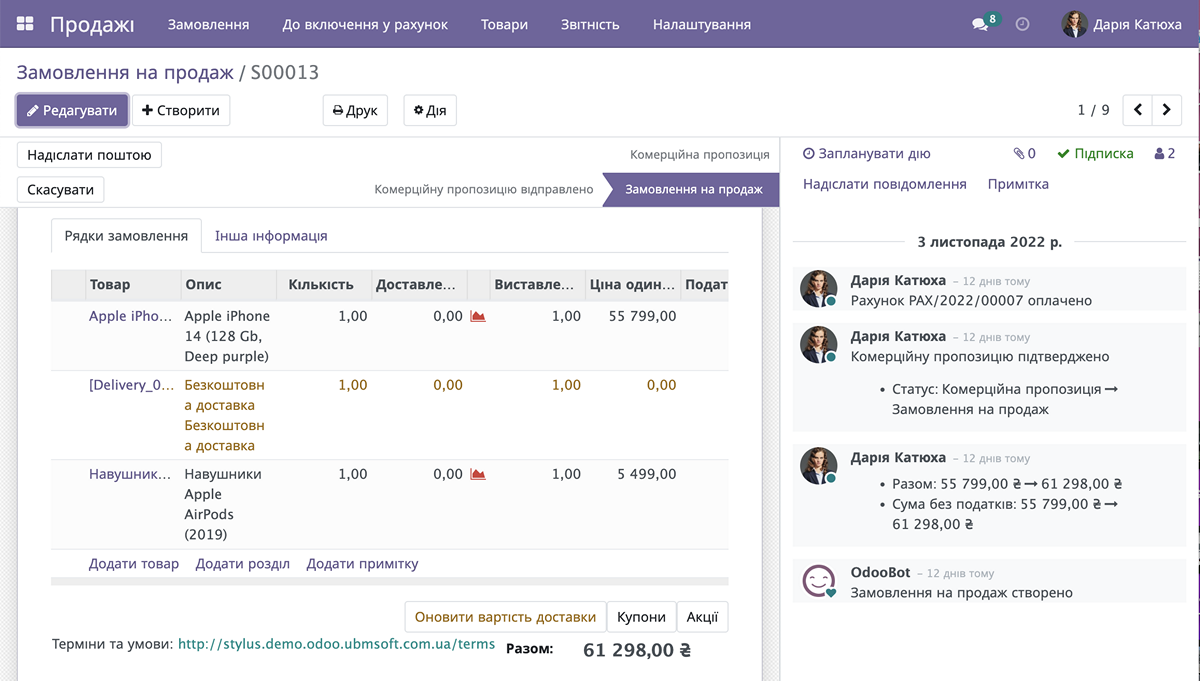
Odoo includes a full-featured CRM that significantly reduces the use of personal notebooks by company managers, and allows thorough planning and control of client contacts.
Company Website

Enhanced Communications
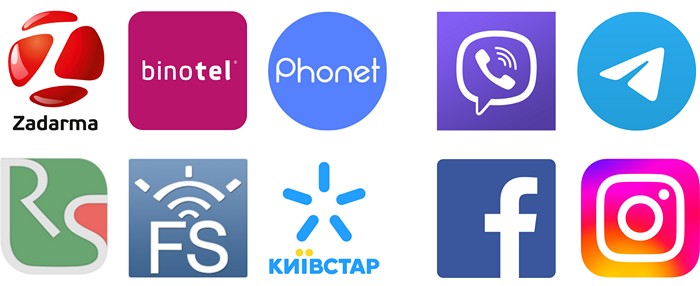
Integration with IP telephony provides management with a tool for controlling the quality of service delivery.
To improve client communications, integration with messengers, chatbots (Viber, Telegram) and social networks (Instagram, Facebook) is available.
Other Integrations
Time tracking in Odoo is done through integrated timesheets that are linked to specific tasks in the project. Employees log their hours with one click through the browser or mobile app, allowing the manager to see the team's workload and each specialist's KPI in real time.
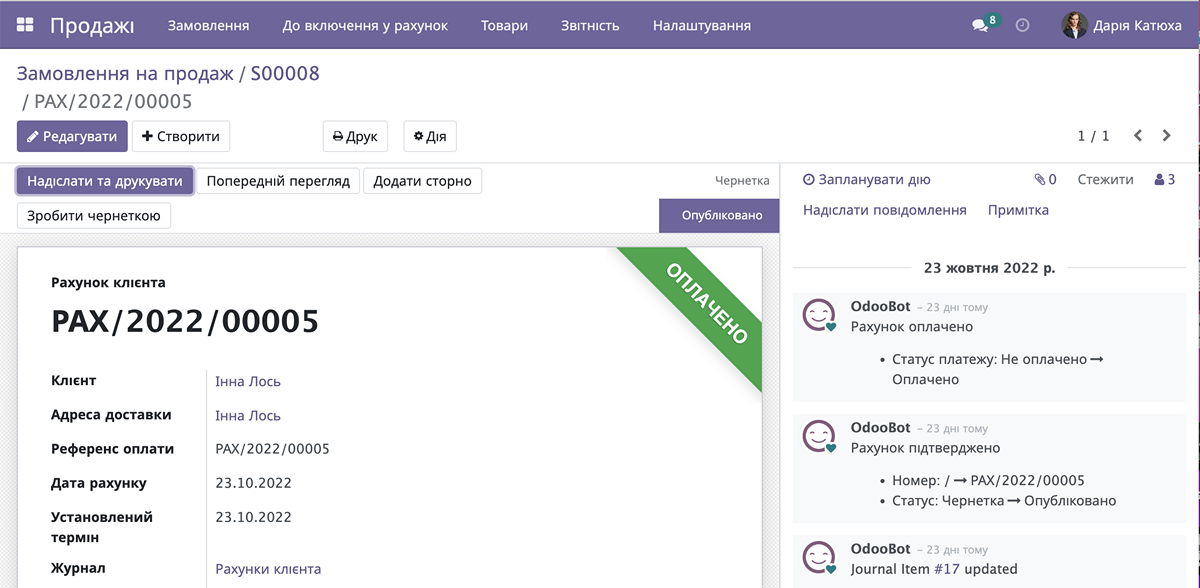
Yes, Odoo automates billing under the Time & Material model thanks to the direct connection of timesheets with the "Invoicing" module. The system analyzes the recorded hours in the project, multiplies them by the rate approved in the contract, and automatically generates a ready invoice for sending to the client.
Profitability control is carried out through Odoo's analytical accounting, which compares planned revenues and expenses with actual ones. The system takes into account the internal cost of specialists' working hours, expenses for subcontractors, and material purchases, calculating the net profit for each stage of the project.
The "Projects" module in Odoo offers interactive Kanban boards for daily task tracking, as well as dynamic Gantt charts for visualizing timelines. Managers can easily change deadlines using Drag-and-Drop, see dependencies between tasks, and quickly identify critical delays.
Client interaction is implemented through the Odoo client portal and the built-in Chatter within each task. The client can log into their secure portal, see the status of work, leave comments, and attach documents that instantly appear to the responsible manager.
Ready to automate your business?
Leave a request and our experts will contact you for a free consultation and Odoo demo.
Request an Odoo Presentation
Fill out the form and we will contact you shortly